TimesJobs offers excellent job opportunities in top companies across India. But when you’ve found the job you were looking for, you might be considering to close your account. In that case: Don’t look further, because I’m about to explain how you can do that in the Settings of your profile.
I’ll show you below with pictures how I managed to remove my account on a desktop computer:
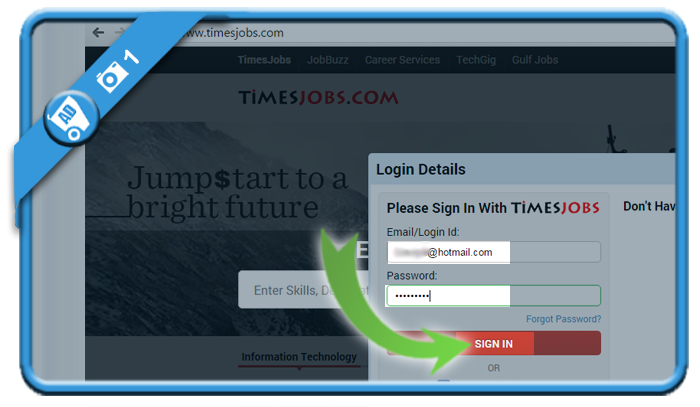
1 Go to TimesJobs.com and login to your account
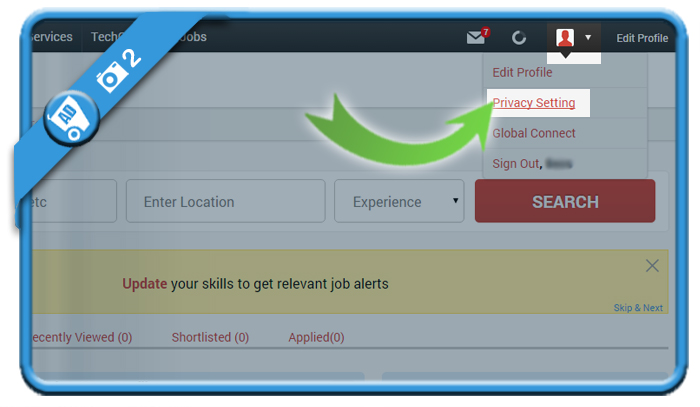
2 Select ‘Privacy settings’ in the top menu
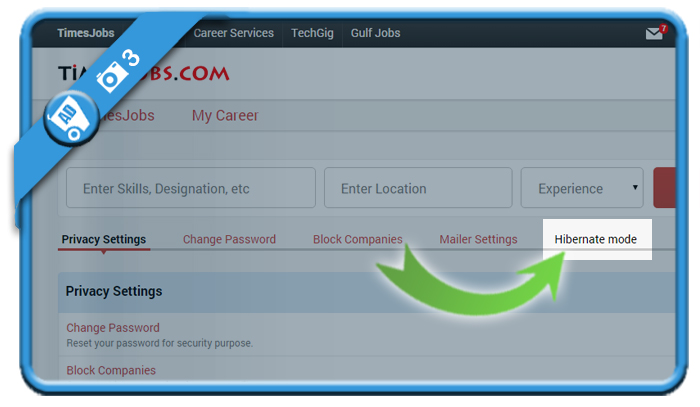
3 Click on the ‘Hibernate mode’ tab
4 Indicate why you want to deactivate your profile
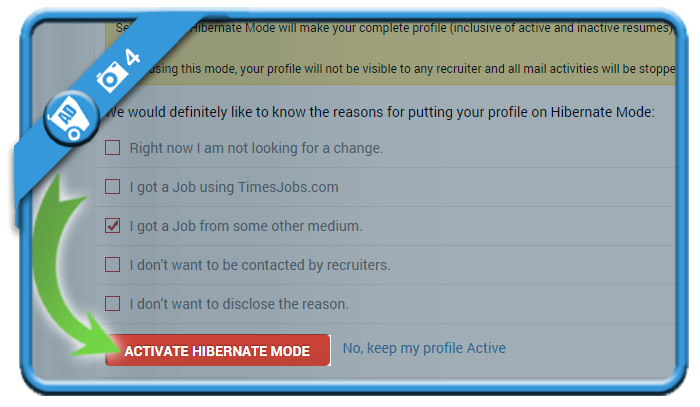
✅ Result
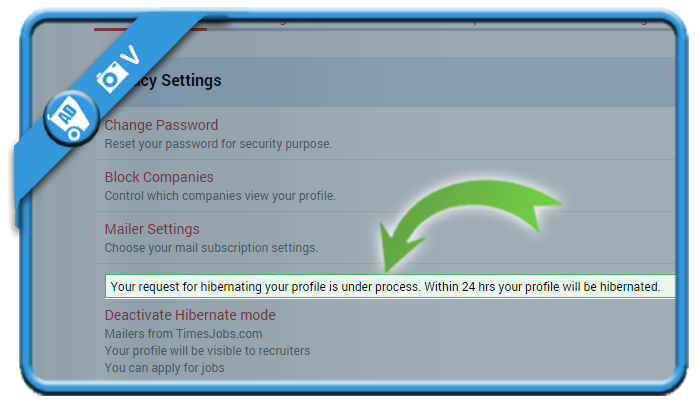
A message will appear:” Your request for hibernating your profile is under process. Within 24 hrs your profile will be hibernated.” So within 1 day, your account will be deactivated.
Source screenshots (and thanks to): timesjobs.com